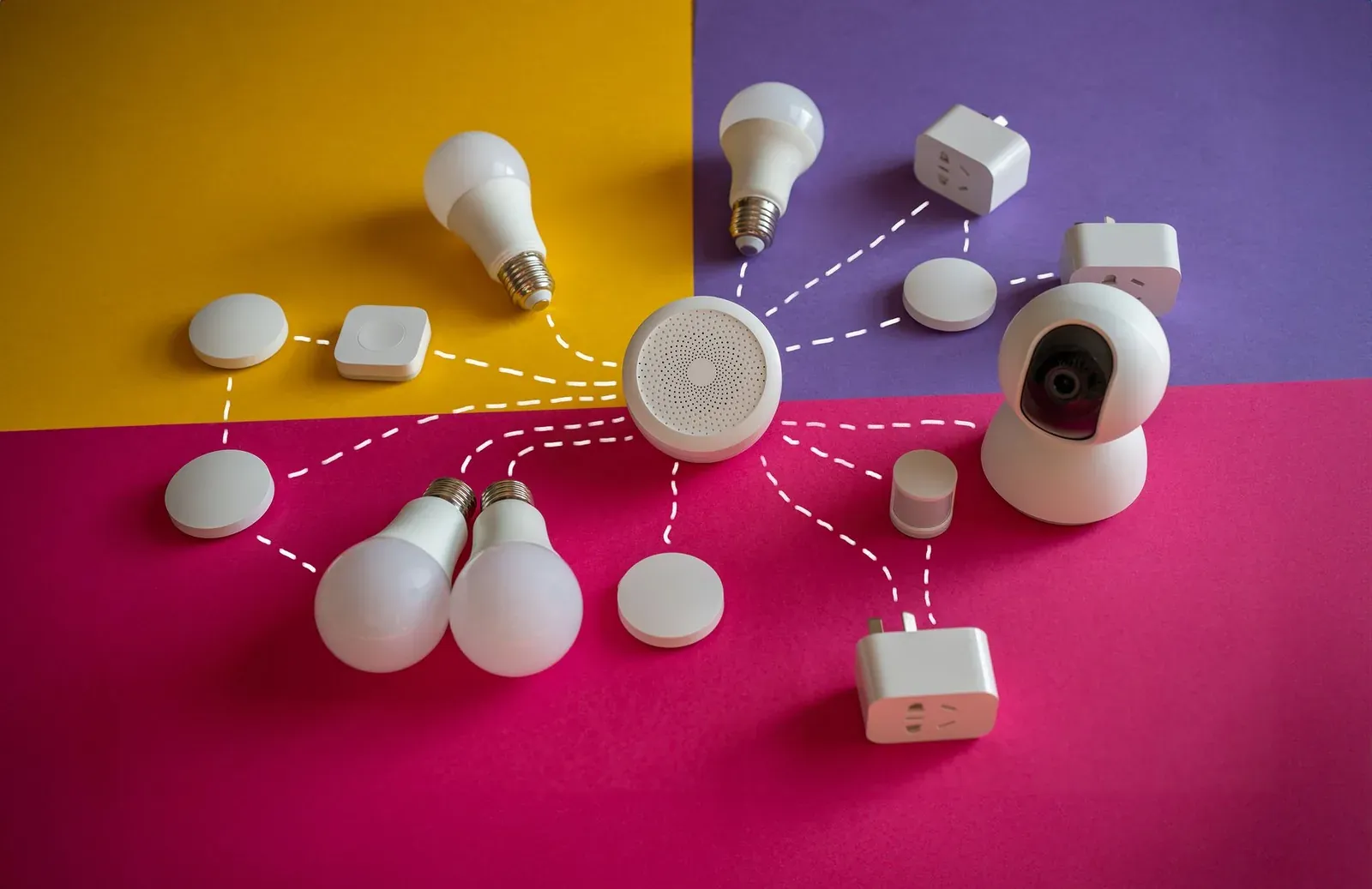
Cross-platform fixes: Wi-Fi vs. Thread, offline devices, unresponsive hubs and network gremlins.
A Thread device that keeps going unavailable usually points to a weak mesh, a flaky border router, or IPv6 issues. Here's how to diagnose and fix it.
Echo Hub, Nest Hub, and SmartThings Station compared: which smart-home controller fits your devices, ecosystem, and Matter/Thread needs.
A clear, step-by-step guide to putting smart-home devices on their own IoT VLAN or separate network — plus how to keep Matter, casting, and app control working.
Nest thermostat won't connect to Wi-Fi? Work through band, password, router, and account fixes in order to get it back online fast.
Smart-home devices dropping offline at night usually comes down to Wi-Fi power-saving, router reboots, or hub overnight tasks. Here's how to diagnose and fix it.
A Matter device stuck on 'Connecting' usually means a Thread, Wi-Fi, or commissioning hiccup. Follow these ordered fixes to get it online.
A Matter device showing offline is usually a network or fabric issue, not a broken device. Follow these ordered fixes to get it responding again.
Zigbee devices keep going unavailable? Learn why it happens and follow a clear, step-by-step fix for a stable, self-healing Zigbee mesh.
Zigbee devices keep dropping off your network? Learn why it happens and how to fix it with mesh repeaters, channel changes, and interference cures.
Matter device won't pair because the QR or numeric code won't scan? Step-by-step fixes for glare, blur, wrong app, and codes that read but fail.
Matter device won't pair? Here are 8 research-based fixes — from QR codes and 2.4GHz Wi-Fi to Thread borders — that resolve the most common commissioning failures.
Chromecast keeps disconnecting or won't cast? Work through these ordered fixes—from same-network checks to Wi-Fi band and firmware issues—to get streaming stable again.
Smart plug won't connect to Wi-Fi? Work through 9 proven fixes, from the 2.4GHz band trap to pairing mode and router settings, in order.
Matter device shows offline after a router or Wi-Fi change? Learn why it happens and the step-by-step fixes to get it reconnected fast.
Alexa routine not triggering? Here's a step-by-step way to diagnose the trigger, device state, and account issues behind a stuck Alexa routine.
Google Home routine not running on schedule? Fix time zones, device permissions, household settings, and speaker triggers with these step-by-step fixes.
Echo Dot keeps dropping Wi-Fi? Work through 9 research-based fixes — from band steering and channel congestion to router settings and DNS — to keep it online.
Google Nest Hub touchscreen not responding? Work through power, software, network, and reset fixes in order to get your display reacting to taps again.
Home Assistant not discovering new devices? Step-by-step fixes for mDNS, network segmentation, Matter/Thread, and integration issues that block discovery.
What to look for in a Wi-Fi router for a smart home, plus 5 research-based picks for Thread, Matter, and dozens of low-power IoT devices.
How to set DHCP reservations or static IPs for smart-home devices to stop dropouts, fix automations, and keep hubs reachable. Step-by-step guide.
Routers claim 250+ devices, but real-world smart-home limits are lower. Learn what actually caps your router and how to support more devices reliably.
Practical, research-based steps to improve your Wi-Fi for smart home devices: bands, channels, placement, and reducing dropouts for reliable automations.
Does mesh Wi-Fi actually help a smart home? When it fixes dead zones and dropouts, when it doesn't, and how to set it up so devices stay connected.
Should you put smart devices on a separate IoT network or VLAN? A clear look at the security, privacy, and reliability trade-offs—plus how to do it without breaking
Smart bulb won't connect? Work through 2.4GHz Wi-Fi, pairing mode, app and hub fixes in order to get your bulb online fast.
Smart devices won't reconnect after a power outage? Reboot your network in the right order, then repair your hub, Thread, and Wi-Fi devices step by step.
Smart-home automations not triggering? Work through trigger conditions, sensors, presence, hub and network issues with this step-by-step fix guide.
Smart home devices offline after a new router? Here's why it happens and a step-by-step fix for Wi-Fi, Matter, Thread, Zigbee and hubs.
A practical, step-by-step guide to smart home security best practices: strong accounts, network isolation, firmware, locks and cameras, and privacy.
Smart plug not responding? Work through 8 specific fixes — from power-cycling and Wi-Fi band issues to app re-linking and factory reset — and learn why each works.
Diagnose and fix 2.4GHz Wi-Fi interference that drops smart-home devices. Find noisy channels, microwave and Bluetooth conflicts, and band-steering issues.
Smart device won't connect to Wi-Fi during setup? Work through 10 fixes—from 2.4GHz bands to router settings—to get pairing to finally succeed.
Why so many smart-home devices need 2.4GHz Wi-Fi, how it differs from 5GHz, and how to fix setup failures caused by band confusion.
Whether you still need a smart-home hub depends on your devices' radios. Here's when a hub is required, when it's optional, and how Matter changed things.
Smart device keeps dropping offline? A step-by-step fix guide covering Wi-Fi bands, power-saving, Thread/Zigbee mesh, hubs and firmware.
Your smart home hub keeps disconnecting? Work through power, Wi-Fi, mesh, and firmware fixes in order to find a stable, lasting connection.
Smart home Wi-Fi network best practices: why a separate SSID, 2.4 GHz vs 5 GHz bands, and channels keep your devices stable and online.
Smart-home lag usually comes from Wi-Fi congestion, cloud round-trips, weak mesh, or overloaded hubs. Here's why it happens and how to fix the delay.
Wi-Fi, Thread, and Zigbee compared for smart homes: how each radio works, what needs a hub, and which to pick for plugs, sensors, locks, and cameras.
No guides match your filter.