Why Do My Smart-Home Devices Drop Offline at Night?
If your smart plugs, bulbs, or cameras reliably show up as unavailable overnight but work fine during the day, the cause is almost always something scheduled or environmental that only happens after hours: a router or ISP maintenance reboot, a Wi-Fi power-saving or band-steering feature kicking in when traffic goes quiet, a nightly hub firmware or reboot task, or interference from devices that only run at night. The good news is that a nighttime-only pattern is a strong diagnostic clue on its own — it narrows the list of suspects quickly.
Step 1: Confirm the pattern before changing anything
Before you touch any settings, pin down exactly what drops and when. Open the Alexa app, Google Home app, or your hub's dashboard and note which devices go offline, roughly what time, and whether they recover on their own by morning. Patterns tell you a lot:
- Everything drops at the same time, then recovers — points to the router, gateway, or internet connection rebooting.
- Only Wi-Fi devices drop, but Zigbee/Thread devices stay up — points to a Wi-Fi radio, band, or power-saving issue.
- Only one hub's devices drop — points to that hub restarting or losing its connection. Our guide on a smart-home hub that keeps disconnecting covers this case in depth.
Step 2: Rule out router and ISP overnight reboots
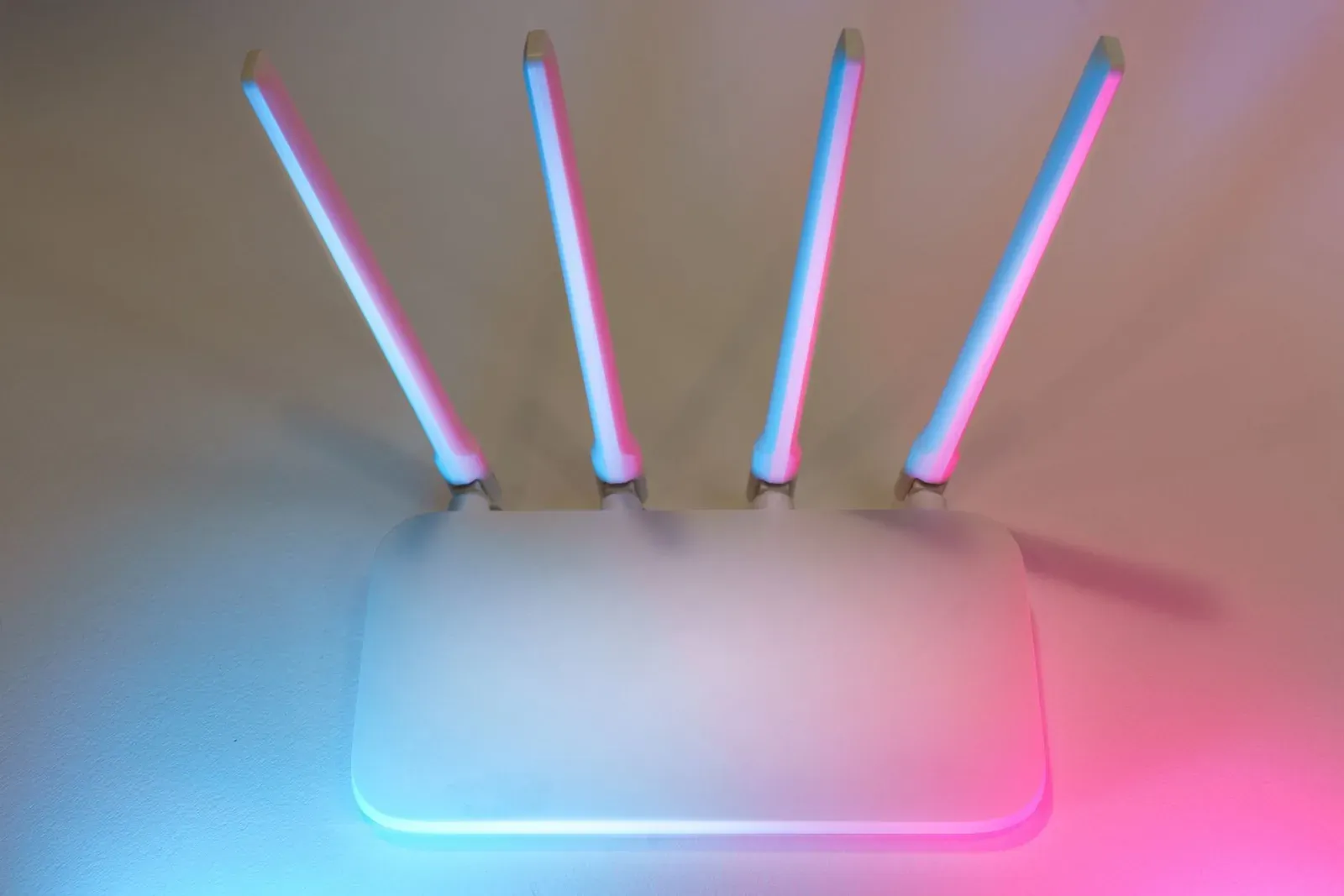
Many consumer routers and ISP-supplied gateways are configured — sometimes by default — to reboot or apply firmware updates in the small hours, precisely because usage is low. Some ISPs also push maintenance to the neighborhood overnight. Either event drops your entire network for a minute or two, and every device has to reconnect at once.
- Check your router's admin interface for a scheduled reboot or auto-update / maintenance window setting. If it's set for 2–4 a.m., that timing is a strong match for overnight dropouts.
- If you find one, either disable it or move it to a time you're awake so you can confirm the correlation.
- If the router isn't rebooting itself, the drop may be upstream at the ISP. A router with a connection/event log will often show WAN disconnects with timestamps — compare those against when your devices dropped.
When a reconnection storm is the problem, devices that lack good auto-reconnect logic are the ones that stay offline. A stronger, more stable network reduces this; see how to improve Wi-Fi for smart-home devices.
Step 3: Check Wi-Fi power-saving and band steering
This is the most common overlooked cause. Modern mesh systems and routers include features that optimize for phones and laptops — not for always-on smart plugs and bulbs:
- Band steering tries to move a device between the 2.4 GHz and 5 GHz bands. Many inexpensive smart devices are 2.4 GHz-only and don't handle being steered gracefully — they can drop and fail to rejoin, especially when the network is quiet at night.
- Airtime fairness / power-saving modes can deprioritize or effectively idle out low-traffic devices during off-peak hours.
- Automatic channel switching (auto-channel optimization) sometimes runs on a schedule; when the router hops channels, 2.4 GHz devices briefly lose the network.
Where your router allows it, splitting the 2.4 GHz band onto its own SSID (or disabling band steering for smart devices) is the single most effective fix for Wi-Fi bulbs and plugs that vanish overnight. This is a recurring theme in troubleshooting a smart bulb that keeps going offline and a smart plug that won't connect to Wi-Fi.
- 1Log in to your router admin interface
- 2Look for band steering, power-saving, and auto-channel settings
- 3Split or dedicate a 2.4 GHz SSID for smart devices
- 4Observe over the next night to confirm the fix
Step 4: Look at nightly hub and device schedules
Hubs and some devices run maintenance when they expect low activity. A hub that applies firmware updates or reboots on a nightly schedule will take its connected Zigbee, Z-Wave, Thread, or Matter devices offline for the duration. Check your hub's software-update settings for an overnight window. If your Zigbee devices in particular keep dropping, our guide on Zigbee devices going unavailable walks through mesh-specific causes.
For Matter and Thread setups, an overnight router change or reboot can also break the connection between the device and its Thread border router or Matter controller. If that's your situation, see Matter device offline after a router change.
Step 5: Consider heat, power, and interference
A few physical causes correlate with nighttime specifically:
- Thermostat setbacks and HVAC cycling — large motors and compressors can introduce electrical noise on shared circuits, which occasionally affects nearby plugged-in devices.
- Baby monitors, some smart appliances, and microwaves — anything running on 2.4 GHz at night can crowd the band that many smart devices depend on.
- Power scheduling — if a smart bulb is on a switch or smart plug that cuts power at night, it will of course show offline. It's an obvious cause that's easy to miss.
Common causes at a glance
| Symptom | Likely cause | First fix to try |
|---|---|---|
| Everything drops at the same time, recovers by morning | Router/ISP scheduled reboot or maintenance | Disable or reschedule router auto-reboot; check ISP status |
| Only Wi-Fi plugs/bulbs drop; hub devices fine | Band steering or Wi-Fi power-saving | Split off a dedicated 2.4 GHz SSID |
| Only one hub's devices drop | Nightly hub firmware update or reboot | Move the hub's update window; check hub logs |
| Random single device drops nightly | Local interference or power scheduling | Relocate device; verify it isn't on a timed circuit |
Frequently asked questions
Why do only some of my devices drop offline and not others?
Usually because they connect differently. A single shared cause — like band steering or a 2.4 GHz power-saving feature — affects only the devices that rely on that band or that reconnect poorly. Devices on a hub via Zigbee, Z-Wave, or Thread often stay up because they don't touch Wi-Fi directly. Grouping the affected devices by how they connect is the fastest way to isolate the cause.
Could my devices be dropping to save power on purpose?
Most always-on smart-home devices are not designed to sleep and drop their connection intentionally — they're meant to stay reachable. Battery-powered sensors do enter low-power states, but they're built to remain controllable. If a mains-powered plug or bulb goes fully offline nightly, that's a network or scheduling issue, not intended behavior.
Should I set my router to reboot every night to fix this?
Generally no. A nightly router reboot is more often the cause of overnight dropouts than a cure, because every device has to reconnect at once. Reboot on a schedule only if you've confirmed your router genuinely needs it to stay stable — and even then, our best Wi-Fi router for a smart home guide explains why upgrading is usually the better long-term answer.
Is it safe to put smart devices on their own network?
Yes, and it's often recommended. A dedicated 2.4 GHz SSID or a separate IoT network can improve both stability and security. Just note that some Matter and casting features expect the controlling phone and the device to be able to reach each other, so verify your platform's requirements first. See our smart-home security best practices for how to segment safely.