How Many Thread Border Routers Do You Actually Need?
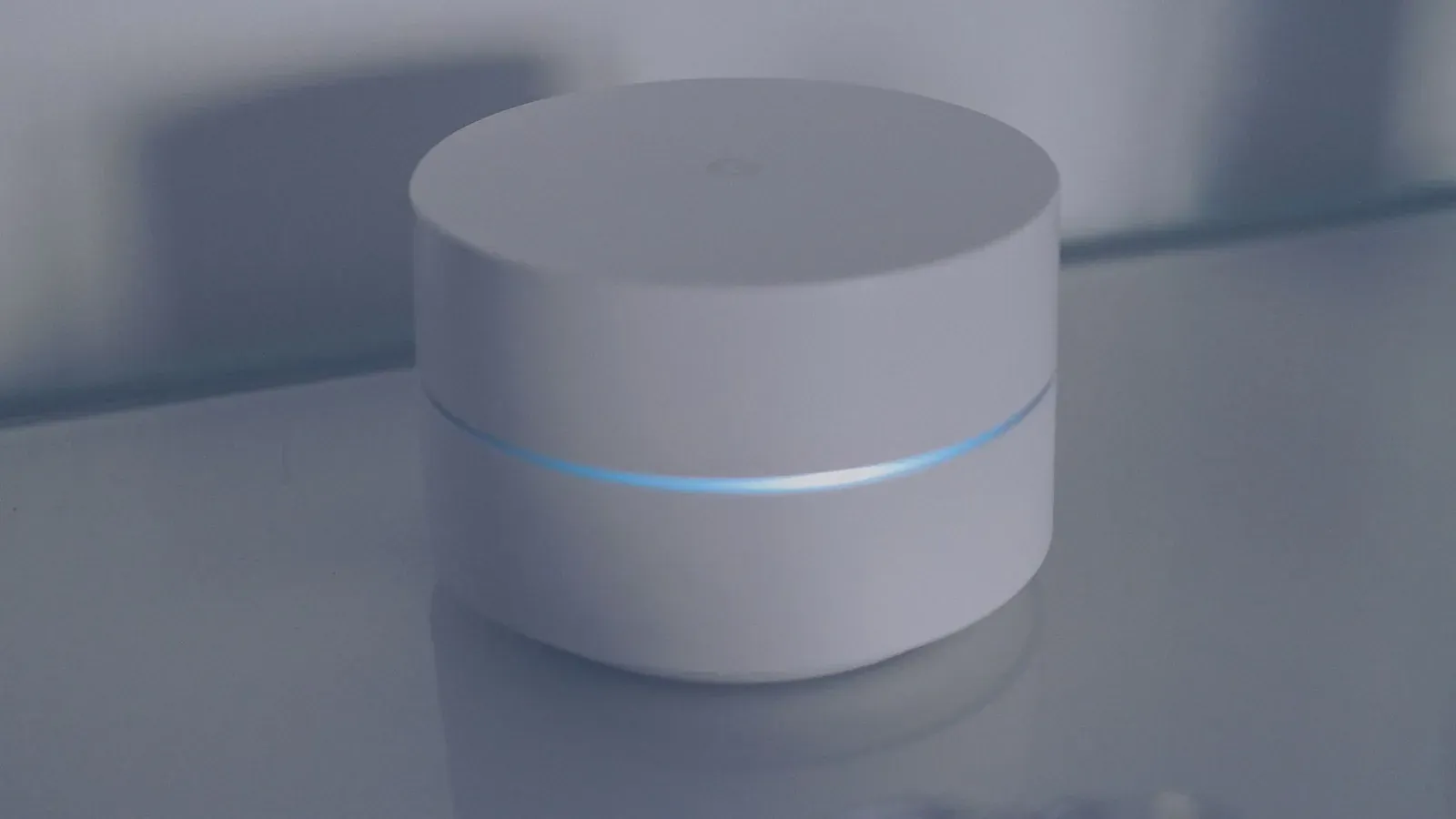
For most homes, the honest answer is one. A single Thread border router is all it takes to bring Thread-based Matter devices onto your network, and a healthy Thread mesh is extended by your mains-powered devices, not by stacking more border routers. That said, there are good reasons to run two or three of them — redundancy and coverage in a larger home — as long as they belong to the same Thread network. The trap most people fall into is owning several border routers that quietly build separate, non-cooperating networks.
First, what a border router actually does
A Thread border router (TBR) is the gateway between your low-power Thread mesh and your regular IP network (Wi-Fi or Ethernet). Thread devices talk to each other over a self-healing 802.15.4 mesh; the border router is the doorway that lets those devices reach your phone, the cloud, and the rest of your home. If you want the full primer, see What Is a Thread Border Router (and Do You Need One)? and Matter vs Thread: What's the Difference?
The key thing to understand for this question: a border router is the edge of the mesh, not the thing that carries signal across your house. That job belongs to your Thread routers — the mains-powered Thread devices (smart plugs, many bulbs, wired switches) that automatically relay traffic for their neighbors. This distinction is why "buy more border routers" is usually the wrong fix for range.
The short answer: one is enough to begin
A single TBR can support a substantial Thread network — the spec allows for a large number of devices per network, and ordinary homes don't come close to those limits. So if you're just getting started, one border router and a few mains-powered Thread devices will give you a stable mesh.
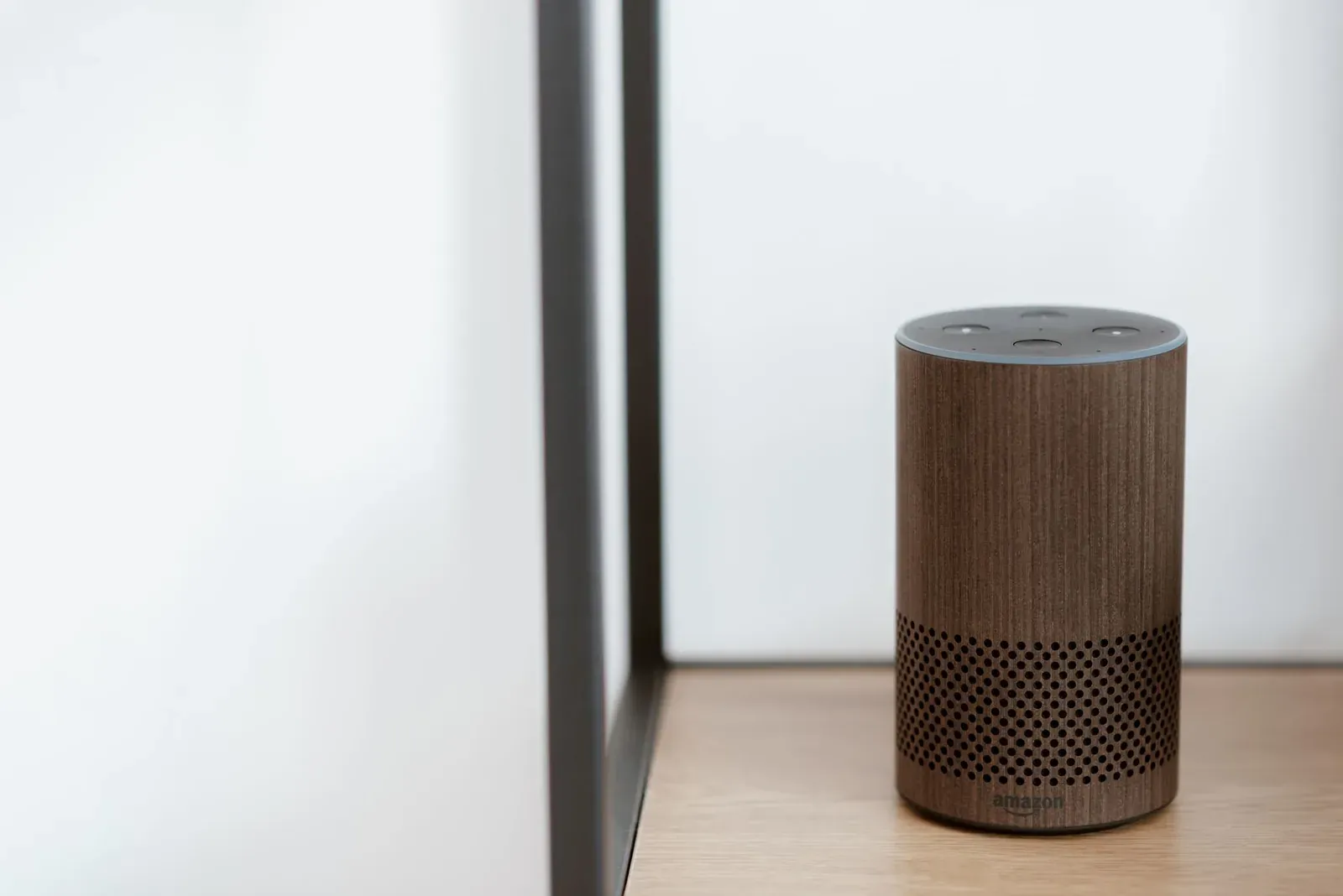
Better still, you probably already own one. If you have a recent Apple HomePod or Apple TV, a Google Nest Hub (2nd gen) or Nest Wifi Pro, an Echo (4th gen) or Echo Hub, or a SmartThings hub, there's a good chance a border router is already running. We rounded these up in Best Thread Border Routers You May Already Own.
When a second (or third) actually helps
There are two legitimate reasons to run more than one border router.
- Redundancy. If your only border router loses power, reboots for a firmware update, or drops off Wi-Fi, your Thread devices lose their path to the rest of the network. A second TBR on the same Thread network keeps that doorway open. The devices simply route through whichever border router is reachable.
- Coverage in large or multi-floor homes. Thread is low-power and short-range per hop. Placing border routers at opposite ends of a big home — or one per floor — gives far-flung devices a nearby anchor point and shortens the number of hops back to the IP network. Mains-powered Thread devices still do the heavy lifting of extending the mesh between those anchors.
In practice, two to three border routers is the ceiling of usefulness for an average single-family home. Beyond that you're adding little except more things to keep updated.
The catch: they must be on one Thread network
Here's where extra hardware can backfire. Historically, each ecosystem created and managed its own Thread network. If you set up an Apple border router and a Google border router, you could end up with two separate Thread meshes that don't share devices or routing — even though they're in the same room. A device joined to one can't lean on the other for coverage.
Thread 1.3 and Matter introduced credential sharing so that border routers can join a single, unified Thread network. Within one ecosystem — say, three Apple devices — this generally happens automatically. Across ecosystems, unification is improving but still inconsistent, so don't assume an Echo and a Nest Hub have merged their meshes just because both can act as border routers.
The practical takeaway: redundancy and coverage benefits come from border routers that share one Thread network. Within a single ecosystem, that's usually the case. If you mix ecosystems, the device is still typically commissioned onto one Thread network, and the others may simply be along for the ride. This is closely tied to how a single Matter device can live in several apps at once — see Matter Multi-Admin: One Device in Alexa, Google & Apple.
Border routers you may already have, by ecosystem
Exact models change as hardware is refreshed, so treat this as a snapshot rather than a guarantee — check the manufacturer's current spec page for any device before you rely on it.
| Ecosystem | Common devices that act as a border router | Multiple units form one network? |
|---|---|---|
| Apple Home | HomePod (2nd gen), HomePod mini, Apple TV 4K (newer models) | Yes, within Apple Home |
| Google Home | Nest Hub (2nd gen), Nest Hub Max, Nest Wifi Pro | Yes, within Google Home |
| Amazon Alexa | Echo (4th gen), Echo Hub, eero (Thread-capable models) | Yes, within the Alexa/eero stack |
| Samsung SmartThings | SmartThings Station, SmartThings Hub, some Samsung TVs/appliances | Yes, within SmartThings |
A simple rule of thumb
- 1Start with one border router — ideally one you already own
- 2Add mains-powered Thread devices to extend the mesh, not more border routers
- 3Add a second border router only for redundancy or to cover a large/multi-floor home
- 4Keep your extra border routers inside one ecosystem so they share a single Thread network
If your Thread devices keep dropping despite having a border router, the fix is usually mesh coverage or network stability, not another TBR. Our guides on stabilizing a hub that keeps disconnecting and devices that keep going offline walk through the more common culprits.
- Fine for most homes and apartments
- Simplest to keep updated and stable
- Single point of failure if it reboots or drops
- Adds redundancy if one goes offline
- Better reach in large or multi-floor homes
- Only helps when they share one Thread network
Frequently asked questions
Do I need a border router for every Thread device?
No. One border router can serve many Thread devices. The devices form a mesh and relay for each other; the border router is just the shared doorway to your IP network.
Will adding more border routers make my Thread network faster?
Not meaningfully. Throughput on Thread is modest by design and rarely the bottleneck for sensors, switches, and locks. Extra border routers improve reliability and reach, not speed.
I have an Echo and a Nest Hub. Do I now have two border routers working together?
You have two devices capable of being border routers, but they may be running separate Thread networks. Cross-ecosystem unification is still uneven, so don't assume they've merged. A given Matter device is typically commissioned onto one ecosystem's Thread network. See How to Add a Matter Device to Alexa, Google or Apple Home.
Is a Thread border router the same as a smart-home hub?
Not exactly. Many hubs include a border router, but a border router only bridges Thread to IP — it doesn't necessarily run automations or speak Zigbee/Z-Wave. For the bigger picture, see Do You Still Need a Smart-Home Hub?