Matter over Wi-Fi vs Matter over Thread: The Difference
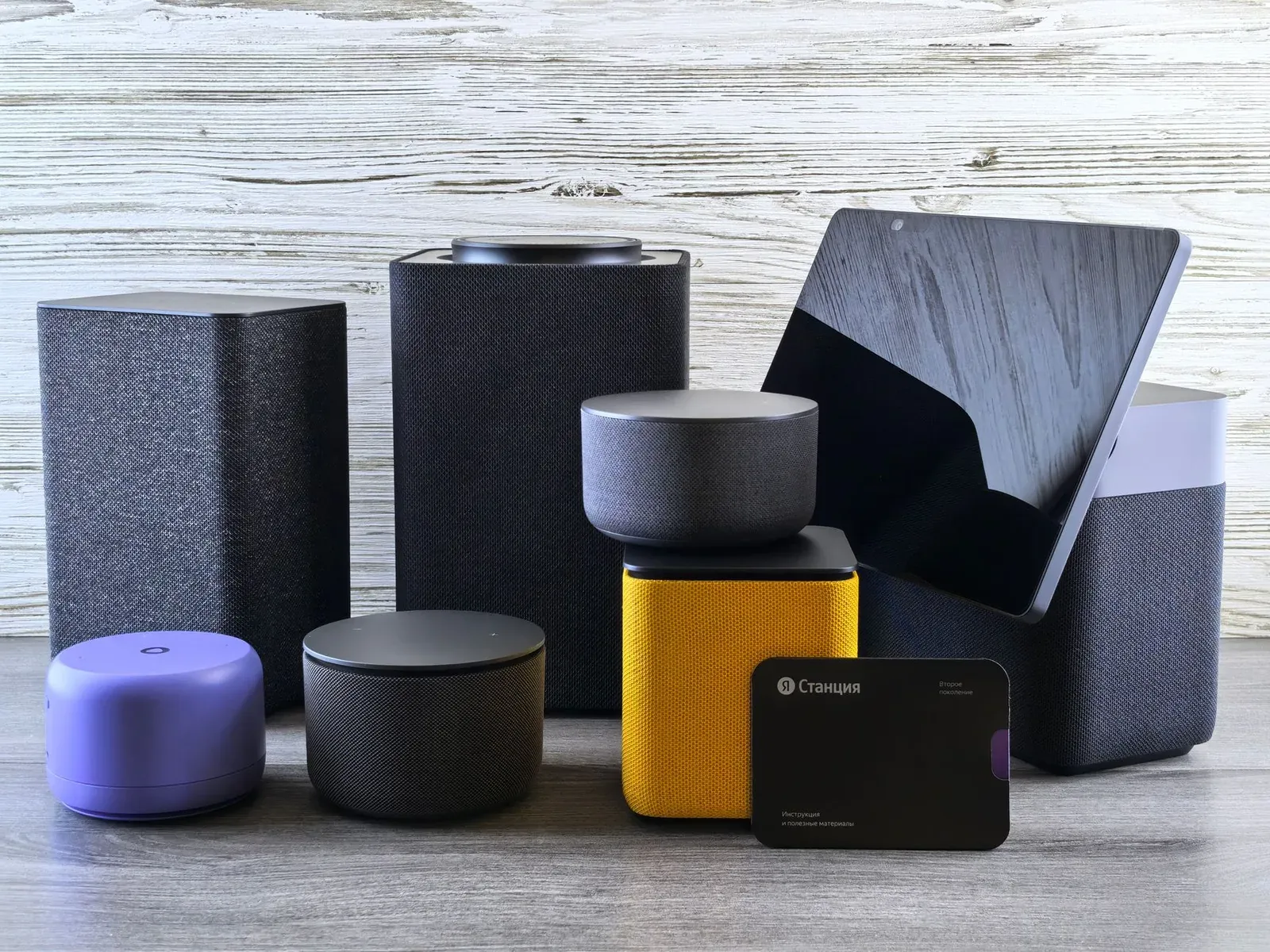
Matter is a single application standard, but it can run over two very different networks: your regular Wi-Fi or a low-power mesh called Thread. The short version is that Matter over Wi-Fi devices join your existing router like any phone or laptop, while Matter over Thread devices speak a different radio and need a Thread border router to reach the internet. The Matter part—how the device is controlled and shared—looks the same in your app either way. What differs is the plumbing underneath: power draw, range behavior, and what extra hardware you need on hand.
The same standard, two different radios
It helps to separate two layers. Matter is the language—the shared rules that let a light or sensor be commissioned, controlled, and shared across ecosystems. Wi-Fi and Thread are two transports—the radios that carry that language. A Matter smart plug and a Matter door sensor can behave identically in your app while using completely different networks to get there.
Wi-Fi is the network you already know. A Matter over Wi-Fi device connects to your 2.4 GHz band and gets its own IP address, just like a laptop. Thread is a newer, low-power mesh radio (built on the same 802.15.4 foundation as Zigbee) designed for small, battery-friendly devices. Thread devices don't touch your router directly; they rely on a Thread border router to bridge the Thread mesh to your home network and the internet.
- Joins your existing router; no extra bridge needed
- Higher power draw, best for plug-in devices
- Range limited to your Wi-Fi coverage
- Adds traffic to a network already shared with phones and TVs
- Needs a Thread border router to reach the internet
- Very low power, designed for battery sensors and locks
- Self-healing mesh—devices relay for each other
- Runs on its own dedicated low-power network
How each one actually works
Matter over Wi-Fi
Setup is about as simple as it gets: you scan the Matter QR code in your platform's app, the device joins your Wi-Fi, and it appears alongside everything else. There's no separate hub to buy and no mesh to build. Because Wi-Fi carries plenty of bandwidth, this transport suits devices that are always powered and may move more data—smart plugs, many light bulbs, and some cameras and appliances.
The trade-off is power and network load. Wi-Fi radios are relatively hungry, which is fine for a plug wired to the wall but impractical for a coin-cell sensor. Every Wi-Fi Matter device also becomes one more client on the same network as your phones, laptops, and streaming boxes. On a crowded network with a cheap router, a large fleet of Wi-Fi gadgets can contribute to congestion.
Matter over Thread
Thread is engineered for the opposite job: tiny messages, sipped power, and reliability through numbers. Mains-powered Thread devices act as routers that relay traffic for their neighbors, so the network is a self-healing mesh—if one node drops, messages find another path. That's why Thread shines for battery-powered contact sensors, motion sensors, and locks that need to run for months or years.
The catch is the border router. Without at least one, a Thread device is an island that can talk to nearby Thread nodes but can't reach your app or the internet. The good news is you may already own a border router without realizing it—many recent smart speakers, displays, and hubs include one. Our guide to the best Thread border routers you may already own covers what commonly qualifies.
Requirements at a glance
One point worth underlining: both transports still need a Matter controller (an Alexa, Google Home, Apple Home, or SmartThings hub) to commission and run devices, and both keep working locally for many actions even when the internet is down. If you're unsure how offline behavior works, see whether Matter devices need the internet to work. Note that a border router bridges Thread to your network but does not replace the Matter controller—some devices, like Apple and Google speakers, play both roles at once, which is why setup can feel seamless.
Which should you choose?
In practice you rarely pick a transport in the abstract—you pick a device, and the manufacturer already chose Wi-Fi or Thread for it. Your real decision is which kind of device makes sense for the job, and whether your home is ready for it.
- Choose Matter over Wi-Fi when the device is plugged in, you want the simplest possible setup, and you don't already own a Thread border router. Smart plugs are the classic example—see our roundup of Matter-compatible smart plugs.
- Choose Matter over Thread when the device runs on batteries, needs to last a long time, or you're adding many small sensors. Thread's low power and mesh resilience pay off most here—provided you have a border router in place.
If you're building a larger system, a mixed approach is normal and often ideal: Wi-Fi for the handful of always-on devices, Thread for the many low-power ones. Because the Matter layer is identical, both types can be shared across Alexa, Google, and Apple Home the same way. Before buying, it's still worth confirming the specifics on the box—our guide on telling if a device is Matter-compatible shows what to look for.
- 1Decide if the device is plug-in (lean Wi-Fi) or battery-powered (lean Thread)
- 2For Thread, confirm you own or will add a Thread border router
- 3Check the packaging or product page for “Matter over Thread” vs “Matter over Wi-Fi”
- 4Commission it in your platform’s app with the Matter QR code
If you want to dig into how Thread compares to older mesh radios, our look at Thread vs Zigbee explains why Thread was chosen as a Matter transport in the first place, and Matter vs Zigbee vs Z-Wave puts the whole standard in context.
Frequently asked questions
Is Matter over Thread faster than Matter over Wi-Fi?
Not in raw bandwidth—Wi-Fi carries far more data. But for the tiny status messages smart-home devices send (“open,” “off,” “motion”), Thread is often very responsive and low-latency because the mesh is dedicated to those small packets and isn't competing with video streaming. For everyday control, both feel instant.
Do I need a Thread border router for every Thread device?
No. A single border router can serve many Thread devices on the same mesh. Adding a second border router (from the same ecosystem) can improve coverage in a large home, but you don't need one per device.
Can I mix Wi-Fi and Thread Matter devices in one system?
Yes—this is the intended design. Because they share the Matter layer, Wi-Fi and Thread devices sit side by side in the same app, in the same rooms and automations. The transport is invisible once everything is set up.
How do I know which transport a device uses before I buy?
Check the product page or box. It will usually say “Matter over Wi-Fi” or “Matter over Thread,” and Thread devices often list a border router as a requirement. Battery-powered sensors and locks are commonly Thread; plug-in devices are commonly Wi-Fi.