Does the Nest Hub (2nd Gen) Have Thread? Yes, for Google
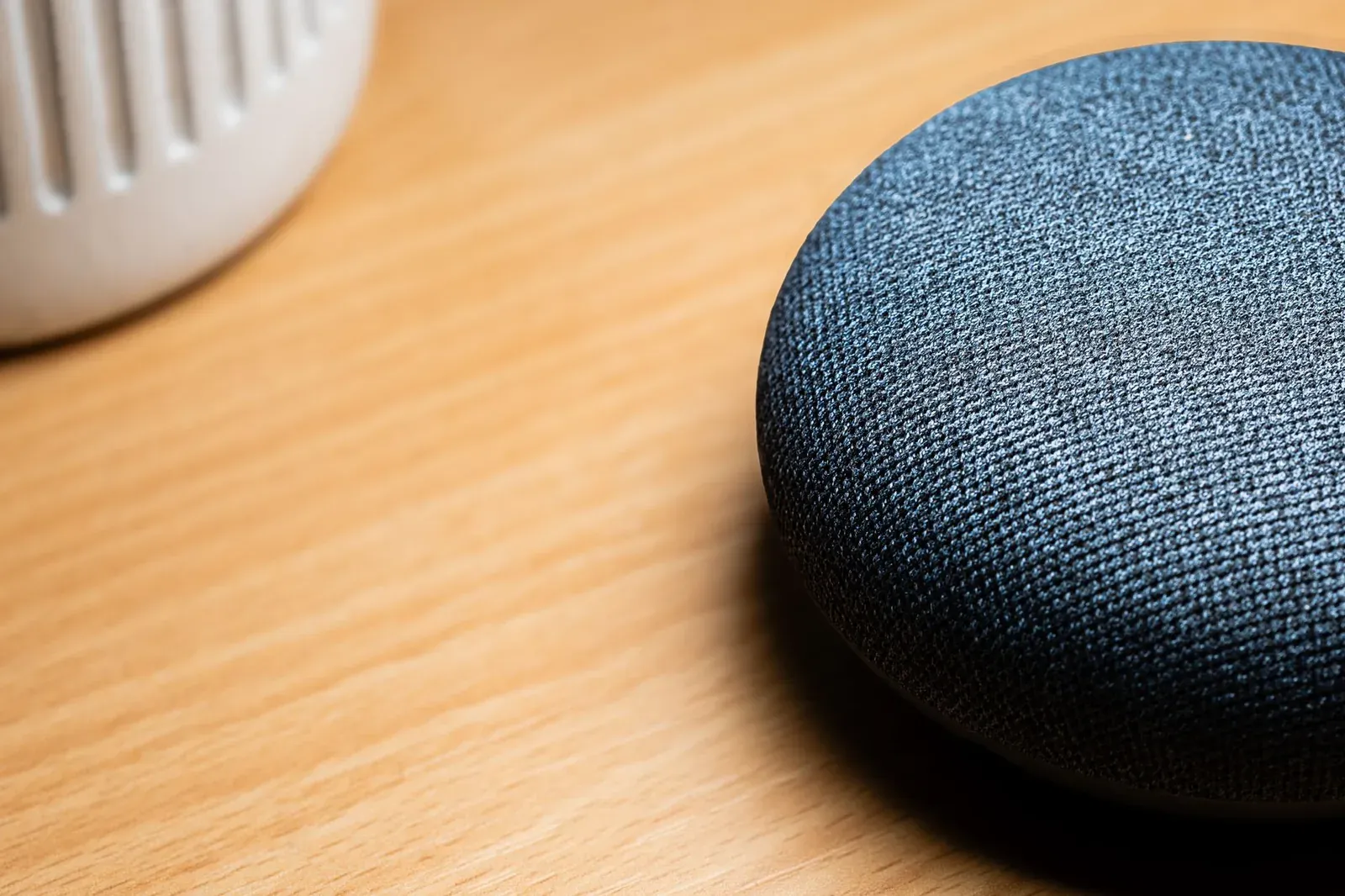
Yes. The second-generation Google Nest Hub has a built-in 802.15.4 radio and acts as a Thread border router, so it can connect Matter-over-Thread devices to your network without any extra hardware. The catch is in the phrase "for Google Home": that Thread border router belongs to Google's Thread network, so it serves devices you set up through the Google Home ecosystem, not Apple Home or Amazon's Thread networks. If you use Google Home as your primary platform, the 2nd-gen Nest Hub is doing real Thread work in the background.
What "has Thread" actually means here
Saying a device "has Thread" can mean two very different things, and the distinction matters for the Nest Hub.
- A Thread endpoint is a device that joins a Thread network, like a smart bulb, sensor, or lock.
- A Thread border router is the piece that creates and manages that low-power mesh and passes traffic between Thread and your regular Wi-Fi/Ethernet network so the rest of your home (and the internet) can reach those devices.
The 2nd-gen Nest Hub is the second kind. It doesn't just talk to Thread accessories; it hosts a Thread network for them. That's the same role played by devices like the Apple TV 4K, HomePod mini, and Amazon's newer Echo speakers. If you want the longer background on this component, see our explainer on what a Thread border router is (and whether you need one).
The 2nd-gen Nest Hub as a Thread border router
You don't turn Thread on manually. When you sign the Nest Hub into the Google Home app and add a Matter-over-Thread device, Google Home uses the hub's radio to onboard that device onto its Thread network automatically. There's no separate "Thread" toggle to hunt for, which is deliberate — the platform is meant to handle the mesh so you don't have to think about it.
Practically, that means:
- A Matter-over-Thread bulb or sensor added in Google Home can join the Nest Hub's Thread network instead of needing its own bridge.
- Mains-powered Thread devices (like plugged-in bulbs) act as Thread routers themselves, extending the mesh outward from the hub.
- Because Thread is low-power and self-healing, battery devices such as contact sensors can sip power while staying responsive.
The Nest Hub is not the only Google device that can do this. If you already own a compatible model, you may not need to buy anything — a point we make in the best Thread border routers you may already own.
Why "for Google Home" matters
Here's the nuance that trips people up. A Thread border router isn't a neutral, universal appliance. When it forms a Thread network, that network is created with a specific set of credentials owned by one ecosystem's fabric. The 2nd-gen Nest Hub creates and manages Google Home's Thread network.
So the honest answer to "does it have Thread?" is: yes, and it does real Thread border-router work — for the Google side of your setup. It will not, on its own, extend Apple Home's or Amazon's separate Thread network. Thread does define a way for border routers to share network credentials, and the ecosystems have gradually improved cross-platform behavior, but you should not assume the Nest Hub's mesh is automatically shared with a different platform's controllers.
This is why device sharing across platforms happens at the Matter layer, not the Thread layer. A Matter-over-Thread device joined to the Nest Hub's Thread network can still be shared with Alexa or Apple Home through Matter multi-admin — the accessory stays on Google's Thread mesh while multiple ecosystems control it. We cover that mechanism in Matter multi-admin explained.
Which Google devices are Thread border routers?
If you're deciding what in your home can host Google's Thread network, the model number matters. The first-generation Nest Hub, for example, does not have a Thread radio.
| Google device | Thread border router? | Notes |
|---|---|---|
| Nest Hub (2nd gen) | Yes | Built-in 802.15.4 radio; the subject of this article |
| Nest Hub Max | Yes | Also serves Google Home's Thread network |
| Nest Wifi Pro (Wi-Fi 6E) | Yes | Router-based border router; good central placement |
| Nest Hub (1st gen) | No | No Thread radio; Matter devices connect over Wi-Fi only |
| Nest Audio / Nest Mini | No | Speakers without a Thread radio |
Having more than one border router on the same ecosystem is generally a good thing — extra border routers add redundancy and coverage to the mesh. If you're curious how a Thread mesh is performing, our guide to checking Thread network health and signal strength walks through what to look for.
How to put the Nest Hub's Thread radio to work
- 1Sign the 2nd-gen Nest Hub into the Google Home app on the account you use for your smart home
- 2In Google Home, add your Matter-over-Thread device using its Matter pairing code
- 3Let Google Home onboard the device — it joins the Nest Hub's Thread network automatically, no Thread toggle required
There's no Thread setup screen to configure. If a Matter device asks for a code during setup and you can't find it, our guide on finding or resetting a lost Matter pairing code can help.
Frequently asked questions
Does the 2nd-gen Nest Hub work as a Thread border router for Apple Home or Alexa?
Not directly. Its border router is bound to Google Home's Thread network. Apple Home and Alexa use their own Thread border routers (an Apple TV or HomePod, or a compatible Echo). You can still share a device across those ecosystems through Matter multi-admin, but the Nest Hub itself is servicing Google's Thread mesh.
Do I still need the Nest Hub if my router is a Thread border router?
If you already have a Nest Wifi Pro or another Google border router, you don't strictly need the Nest Hub for Thread — but a second border router adds coverage and redundancy. Thread meshes are designed to use multiple border routers gracefully.
Will Matter-over-Thread devices still work if the Nest Hub loses internet?
Local Thread control generally keeps working for basic on/off and automations, though cloud-dependent features and voice may not. We go deeper in do Matter devices need the internet to work?
How do I know the Nest Hub is actually using Thread and not Wi-Fi?
You typically won't see a labeled indicator in the app. The tell is behavior: a Matter-over-Thread accessory added in Google Home connects without a separate bridge and reports as a Thread device. Battery sensors that stay responsive for long periods are usually on Thread rather than Wi-Fi.