How to Set Up Alexa Hands-Free Calling and Messaging
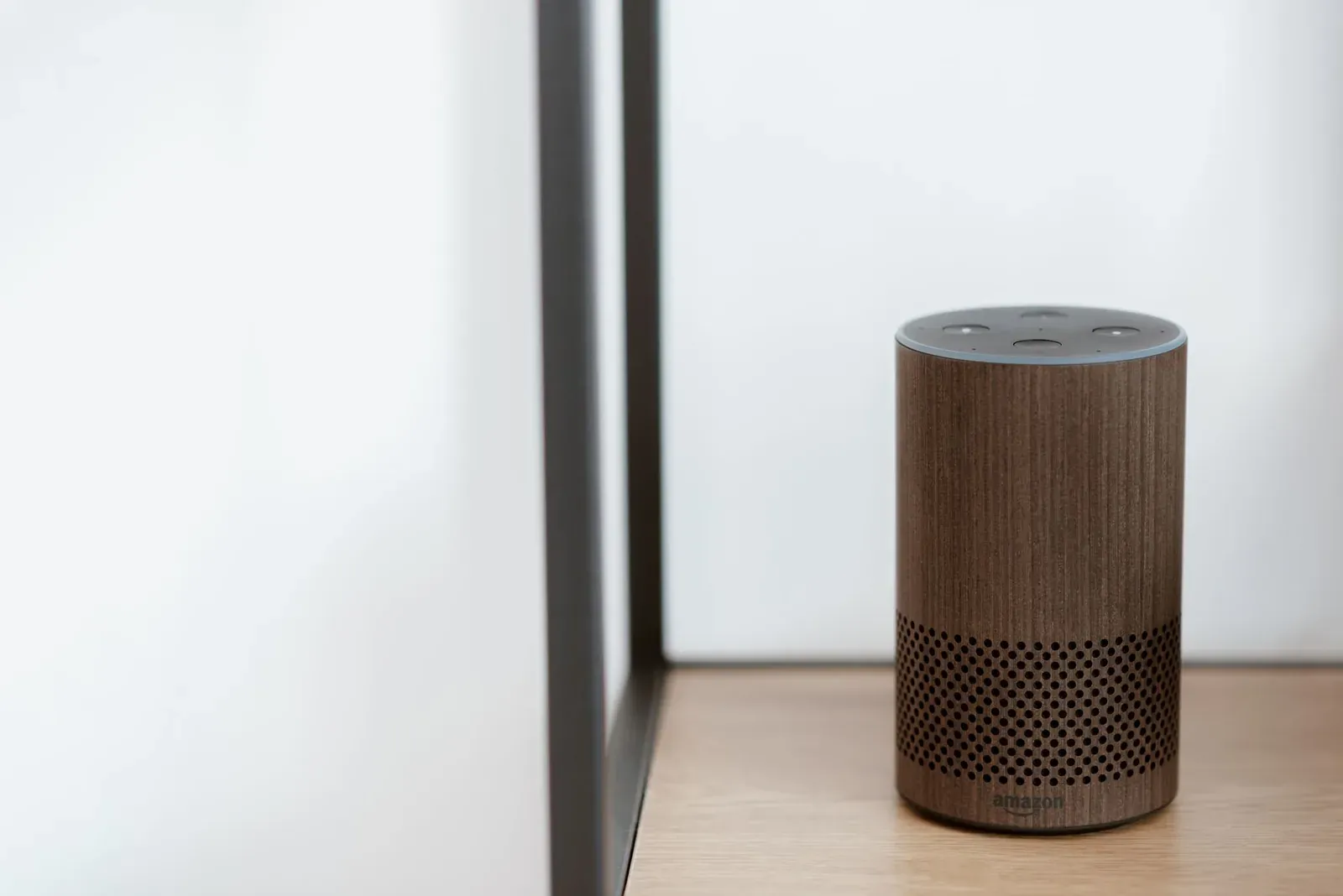
Alexa can place voice calls and send messages entirely by voice, so you can ring a family member or send a quick note without touching a phone. To set it up, you enable the calling and messaging feature inside the Alexa app on the phone linked to your Amazon account, confirm your phone number and contact permissions, and then use commands like “Alexa, call Mom” on any Echo device signed in to that account. The setup lives on your phone, but the calling happens on your Echo speakers and displays.
Below is exactly how it works, what each feature does, and how to troubleshoot the parts that commonly trip people up — based on Amazon’s published Alexa communication documentation and how the feature is widely reported to behave.
What Alexa hands-free calling and messaging actually does
Alexa communication is a free feature tied to your Amazon account and your mobile number. Once it’s on, you get a few distinct capabilities that people often confuse:
- Alexa-to-Alexa calls — free voice (and, on Echo Show, video) calls between your Echo devices and other people’s Echo devices or the Alexa app.
- Outbound calls to phone numbers — Alexa can dial most US, Mexico, Canada, and UK mobile and landline numbers from your Echo. This is separate from a full phone line: it doesn’t use your cellular minutes, but it also can’t receive inbound calls to a normal number or reach emergency services.
- Messaging — short voice or text messages sent Alexa-to-Alexa, plus announcements you can push to your own devices.
It’s worth separating true calling from the household intercom features. If you mainly want to talk between rooms in your own home, our guide to Alexa Announcements vs Drop In vs Broadcast explains which tool fits which situation — those don’t require the phone-number calling setup below.
Before you start: what you need
- An Amazon account and the Alexa app installed on a phone or tablet.
- A working mobile phone number you can receive a verification text on.
- At least one Echo device signed in to the same account. If yours isn’t set up yet, follow how to set up an Amazon Echo for the first time or, for a screen device, how to set up Alexa on an Echo Show.
Step-by-step: turn on calling and messaging
- 1Open the Alexa app and go to the Communicate section
- 2Allow contact access and confirm your mobile number
- 3Verify the code Amazon texts you
- 4Say “Alexa, call [name]” from any Echo to test
- Open the Alexa app on the phone linked to your account. Look for the Communicate area (the app groups calling, messaging, and Drop In there). Menu labels shift between app versions, so navigate by the communicate/talk icon rather than a fixed screen name.
- Follow the first-run prompts. The first time you enter Communicate, Alexa walks you through enabling the feature. It will ask for permission to access your phone’s contacts — this is how Alexa learns names like “Mom” or “David” so you can call them by voice.
- Confirm your name and mobile number. Alexa uses your number to identify you to other Alexa users and to place outbound calls. Enter it if prompted.
- Verify the SMS code. Amazon texts a one-time code to that number; type it into the app to confirm ownership. This step is what unlocks calling, so don’t skip it.
- Grant notification and microphone permissions to the Alexa app if your phone asks. Without notifications, you may miss incoming Alexa calls and messages when the app is closed.
- Test it. On any Echo, say “Alexa, call [contact name]” or “Alexa, send a message to [contact name].” If Alexa reads back the right person, setup worked.
Calling vs. messaging: which command to use
Both features share the same setup, but they behave differently once you start talking to Alexa.
| Feature | What it does | Example command | Where it lands |
|---|---|---|---|
| Alexa-to-Alexa call | Live two-way voice or video | “Alexa, call the kitchen” | Another Echo or the Alexa app |
| Call a phone number | Outbound voice to a real number | “Alexa, call 555-0123” | A mobile or landline |
| Message | Short voice/text note | “Alexa, message Dad” | Recipient’s Alexa app or Echo |
Managing contacts and blocking
Alexa builds its calling list from the contacts on your phone. If someone isn’t reachable, it’s usually because their number isn’t in your contacts, or contact syncing is turned off. In the Alexa app’s Communicate settings you can re-import contacts, block specific people, or turn calling off entirely. Blocking prevents both calls and messages from that contact reaching your devices.
If you share a home, remember that anyone speaking to your Echo can place a call from your account. That’s a convenience for families but worth knowing if you value privacy — the same open-microphone reality that powers features like Alexa Hunches applies here.
Troubleshooting common problems
- “Alexa can’t find that contact.” Contact sync is likely off or the name doesn’t match. Re-enable contact access in the Alexa app, then re-import contacts. Allow a few minutes for the list to update.
- Verification text never arrives. Confirm the number is entered correctly and can receive SMS. VoIP or landline numbers often can’t receive the code — use a standard mobile number.
- Calls fail or drop. Alexa calling depends on your internet connection, not cellular. If calls stutter or won’t connect, check Wi-Fi first; our guide on connecting Alexa to a new Wi-Fi network covers reconnecting a device that’s dropped off.
- You’re missing incoming calls. Enable notifications for the Alexa app in your phone’s system settings, and make sure Do Not Disturb isn’t active on the Echo (a solid light or a spoken “Do Not Disturb is on” confirms it).
Frequently asked questions
Do I need a phone number to use Alexa calling?
For Alexa-to-Alexa calls between Echo devices and the Alexa app, a verified mobile number makes setup smoother and lets contacts find you. To dial regular phone numbers, the number is required. Some intercom-style features work without it, but full calling expects a verified number.
Does Alexa calling use my cell phone minutes?
No. Calls run over your internet connection, so they don’t consume cellular minutes on your plan. Standard data charges could apply only if the Alexa app places a call over a mobile data connection on your phone.
Can I stop Alexa from calling people by accident?
Yes. You can block individual contacts, turn off calling in the Alexa app’s communication settings, or enable Do Not Disturb on a device. For quieter responses generally, see Alexa Brief Mode and Whisper Mode.
Why can’t the other person hear me on an Echo Show call?
Check that the microphone isn’t muted — a muted mic shows a red light ring or indicator. If the light is red, the microphone is off; our guide to Alexa light ring colors explains what each color means.