How to Set Up Alexa Guard for Home Security (Step by Step)
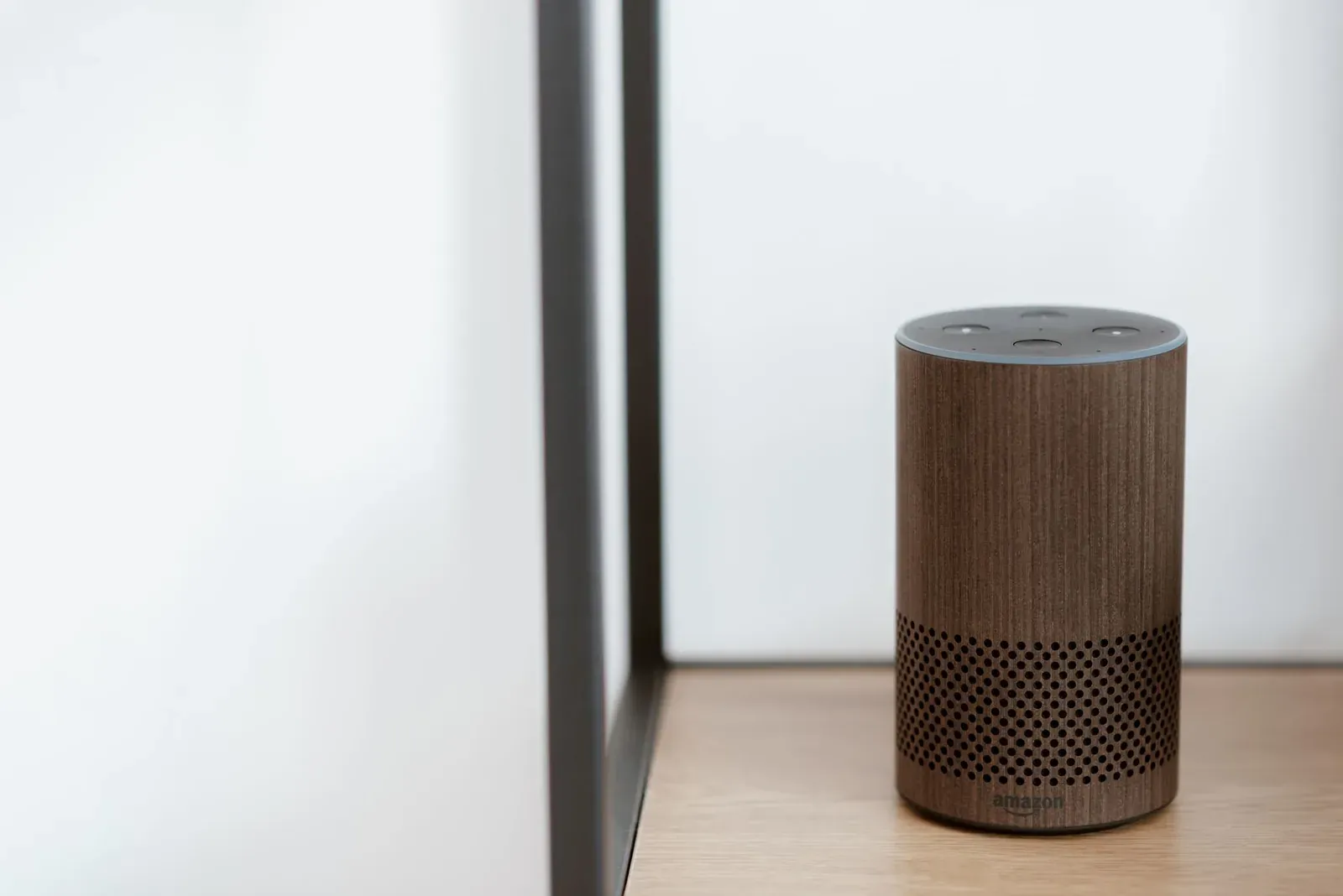
Alexa Guard turns an Amazon Echo you already own into a basic home-monitoring helper. When you say "Alexa, I'm leaving," Guard switches to Away mode and uses the Echo's microphones to listen for the sound of a smoke or carbon-monoxide alarm or breaking glass, then sends a Smart Alert to your phone. The free version also lets you play random lights on a schedule to make the house look occupied. Setting it up takes a few minutes inside the Alexa app, and it works best as one layer alongside real alarms and a security system—not a replacement for either.
Before you start: what you need
Guard is a software feature, so the hardware bar is low. If you've already finished setting up your Echo for the first time, you're most of the way there.
- A compatible Echo. Sound detection runs on the Echo's far-field mics, so place the device where it can actually hear a hallway smoke alarm or a ground-floor window.
- The Alexa app, updated. Guard's location in the app moves over time, so navigate by menu names rather than memorizing a screen.
- Notifications enabled for the Alexa app on your phone—otherwise Smart Alerts have nowhere to go.
How to set up Alexa Guard, step by step
- 1Open the Alexa app and go to More → Settings → Guard
- 2Choose the alerts you want—Smoke/CO alarm and Glass Break sound detection
- 3Set up Away Lighting with your smart lights and a schedule
- 4Confirm phone notifications, then arm with “Alexa, I’m leaving”
- Find Guard in Settings. In the Alexa app, open the More menu, tap Settings, then look for Guard. The setup flow walks you through each feature.
- Enable Smart Alerts (sound detection). Turn on detection for smoke and carbon-monoxide alarms and for the sound of glass breaking. When Guard is in Away mode and an Echo hears one of these, it pushes a notification—and on Echo devices with a camera or a paired camera, it can include a short audio clip so you can verify before reacting.
- Set up Away Lighting (optional). If you have smart bulbs or plugs linked to Alexa, Guard can switch them on and off at irregular intervals to mimic someone being home. Pick which lights participate.
- Check notification permissions. Make sure the Alexa app is allowed to send notifications on your phone, and confirm Smart Alerts are toggled on within Guard.
- Arm and disarm. Say "Alexa, I'm leaving" to put Guard in Away mode, and "Alexa, I'm home" to return to Home mode. You can also arm or disarm from the app.
Free Guard vs. Guard Plus
Amazon offers a paid Guard Plus subscription in supported regions. The free tier covers most casual needs; Plus adds active response features.
- Smoke, CO, and glass-break Smart Alerts to your phone
- Away Lighting to simulate occupancy
- No ongoing cost
- Everything in free, plus a siren you can trigger by voice
- 24/7 access to an emergency helpline via the Echo
- Alerts for additional sounds like footsteps or activity
- Requires a monthly or annual subscription
| Capability | Free Guard | Guard Plus |
|---|---|---|
| Smoke/CO & glass-break alerts | Yes | Yes |
| Away Lighting | Yes | Yes |
| Voice-activated siren | No | Yes |
| Emergency helpline | No | Yes |
| Ongoing cost | None | Subscription |
Make Guard part of a routine
Instead of remembering to say a phrase, you can fold arming into automation. If you build an Alexa Routine, you can have a single "Goodbye" command lock supported doors, turn off lights, and set Guard to Away in one step. This is also where Guard earns its keep alongside other devices—a Smart Alert can trigger a routine to turn on lights or announce through your speakers.
Troubleshooting common issues
- No alerts arriving. Confirm Guard is in Away mode, the Echo is online, and phone notifications for the Alexa app are enabled. If Alexa is unresponsive generally, work through why Alexa stops responding to smart-home devices.
- Guard option missing. Guard isn't available in every country or language. If you don't see it under Settings, it likely isn't offered for your account's region yet.
- Away Lighting not firing. The bulbs or plugs must be linked to Alexa and selected inside Guard. Group naming can also confuse things—see how Alexa rooms, groups, and devices differ.
Privacy worth knowing
Sound detection only runs in Away mode, and you can review and delete your voice history in the Alexa privacy settings. If audio clips on Smart Alerts make you uneasy, you can turn that off and keep text-only notifications. As with any always-listening device, decide who in the household can arm and disarm, and review what's stored periodically.
Frequently asked questions
Is Alexa Guard free?
Yes, the core Guard features—smoke/CO and glass-break Smart Alerts plus Away Lighting—are free in supported regions. Guard Plus, which adds a siren and an emergency helpline, requires a paid subscription.
Does Alexa Guard work with any Echo?
It works with most current Echo speakers and displays. Place the device where its microphones can realistically pick up a hallway smoke alarm or a vulnerable window, since detection depends on what the Echo can hear.
Will Guard call the police?
No. Free Guard sends notifications to your phone so you can decide what to do. Guard Plus offers an emergency helpline you reach through the Echo, but neither tier is a monitored alarm service that dispatches responders automatically.
Should I use Guard instead of a security system?
Treat it as a supplement. Guard adds awareness using hardware you already own, but a layered setup—real detectors, quality locks, cameras, and ideally a monitored system—offers far more protection. Weigh ecosystems first in our Alexa vs. Google Assistant comparison.