How to Set Up an Alexa Do Not Disturb Schedule
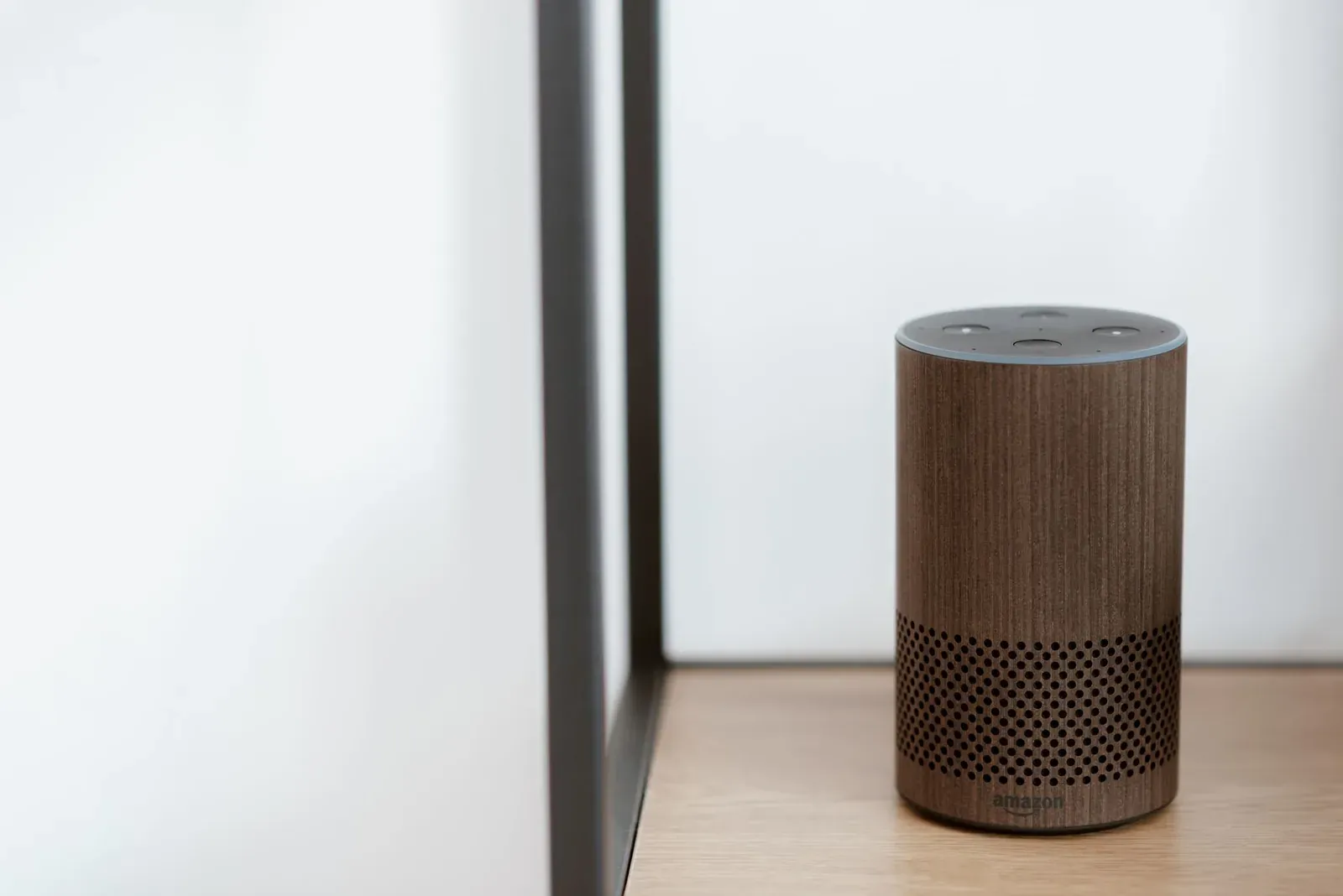
To set up an Alexa Do Not Disturb (DND) schedule, open the Alexa app, go to your device's settings, and look for the Do Not Disturb option, where you'll find a Scheduled toggle with a start and end time. Once enabled, that Echo will silence notifications, announcements, and most incoming Drop Ins during the window you choose — while still waking up normally when you say the wake word. The key thing to understand is that DND is set per device, so a quiet bedroom Echo doesn't quiet the rest of the house.
What Do Not Disturb actually blocks (and what it doesn't)
Before scheduling anything, it helps to know exactly what goes quiet. Do Not Disturb is designed to stop unsolicited sounds — the pings that wake you up — without disabling the device. That distinction matters, because people often expect DND to silence everything and are surprised when an alarm still goes off.
| Silenced by Do Not Disturb | Still works during DND |
|---|---|
| Notifications (deliveries, reminders' chimes, app alerts) | Alarms and timers you set |
| Announcements and most Drop Ins | The wake word ("Alexa, what time is it?") |
| Incoming calls and messages ringing the device | Emergency-style requests you initiate |
| Proactive notifications from skills | Smart home control via voice or app |
In short: DND stops the device from interrupting you, but it stays fully responsive when you talk to it. That's why a scheduled DND window is the right tool for late-night pings — it doesn't cripple the Echo, it just stops it from chiming after hours. If you're unsure which feature is actually pinging you, our explainer on Alexa Announcements vs Drop In vs Broadcast clarifies the three notification types DND affects.
How to set up a Do Not Disturb schedule on one Echo
This is the standard path for a single device, such as a bedroom Echo. Menu labels shift between app versions, so navigate by the words below rather than a fixed screen position.
- Open the Alexa app and go to the Devices area, then select the specific Echo you want to quiet.
- Open that device's settings (usually a gear icon) and find Do Not Disturb.
- Turn on the Scheduled toggle.
- Set your start time (when quiet begins, e.g., 10:00 PM) and end time (when notifications resume, e.g., 7:00 AM).
- Save. A small DND indicator typically appears on that device's card while the window is active.
- 1Open the Alexa app and pick the specific Echo
- 2Open its settings and tap Do Not Disturb
- 3Enable the Scheduled toggle
- 4Choose a start and end time and save
You can also toggle DND instantly by voice — "Alexa, turn on Do Not Disturb" affects the device you're speaking to. That's handy for an unscheduled early night, but it won't repeat automatically; only the scheduled window does that.
The catch: DND is per device, not per account
This is the single most common point of confusion. Scheduling Do Not Disturb on your bedroom Echo does nothing for the Echo Dot in the hallway or the Echo Show in the kitchen. Each unit keeps its own schedule. If an announcement or Drop In is broadcasting to all devices, the only ones that stay quiet are the ones individually set to DND.
For a home with several Echos, repeating the steps on each device works but is tedious to maintain. The cleaner approach is a Routine.
Quiet the whole house with a Routine
Alexa Routines can turn Do Not Disturb on and off across multiple devices on a schedule, which is the practical fix for whole-home quiet hours. You build one Routine to enable DND at night and (optionally) a second to disable it in the morning.
- In the Alexa app, open Routines and create a new one.
- For When this happens, choose Schedule and set your nightly start time.
- For the action, add Do Not Disturb and set it to turn on, then select each Echo you want included.
- Save it, then build a matching morning Routine that turns DND off at your wake time.
This gives you one place to manage quiet hours for the entire home, and it scales as you add devices. If Routines are new to you, our step-by-step on how to create Alexa Routines walks through the builder in detail, and our roundup of genuinely useful Alexa Routine ideas includes other nighttime automations worth pairing with this one.
Troubleshooting: Alexa still pings at night
If you've set a schedule and the pings continue, work through these in order — most cases come down to the per-device rule or a feature DND doesn't cover.
- Another Echo is the culprit. Identify which device is making the sound and confirm it has a DND schedule, not just the bedroom unit.
- It's an alarm or timer, not a notification. These ignore DND by design. Check the device's alarms and any Routines that play audio at set times.
- A Routine is firing audio. A Routine set to make an announcement or play a sound will run even during DND. Review your Routines for nighttime triggers.
- Hunches or adaptive features. If Alexa proactively suggests turning off lights or flags an open device, that can surface as a notification. Our guide to Alexa Hunches explains how to manage those prompts.
- The schedule didn't save. Reopen the device's DND settings and confirm the Scheduled toggle is still on; an app update or sign-out can occasionally reset preferences.
- The Echo is offline or unresponsive. A device that's dropped off Wi-Fi may behave unpredictably. See Alexa stopped responding? The fix if a device seems stuck.
Frequently asked questions
Does Do Not Disturb stop my morning alarm?
No. Alarms and timers are intentionally exempt from Do Not Disturb so a scheduled quiet window never causes you to oversleep. If an alarm is sounding when you don't want it to, edit or delete the alarm itself, or check for a Routine playing audio at that time — DND isn't the control for it.
Can I set one Do Not Disturb schedule for every Echo at once?
Not directly — DND is configured per device. To apply quiet hours across the whole home in one place, create an Alexa Routine that turns Do Not Disturb on (and off) for all your selected Echos on a schedule. That's the closest thing to an account-wide setting.
Will Alexa still answer me during Do Not Disturb?
Yes. The wake word works normally throughout the DND window. You can ask the time, control smart home devices, or play music; DND only blocks incoming interruptions like notifications, announcements, and Drop Ins, not the things you initiate.
Why does my Echo Show still light up or chime at night?
An Echo Show may show the screen for incoming activity even when sounds are muted, and any Routine that plays audio overrides DND. Confirm the Show has its own DND schedule and review nighttime Routines. Our Echo Show setup guide covers its display-specific options.