Does the HomePod (2nd Gen) Have Thread? Yes, Here's What It Does
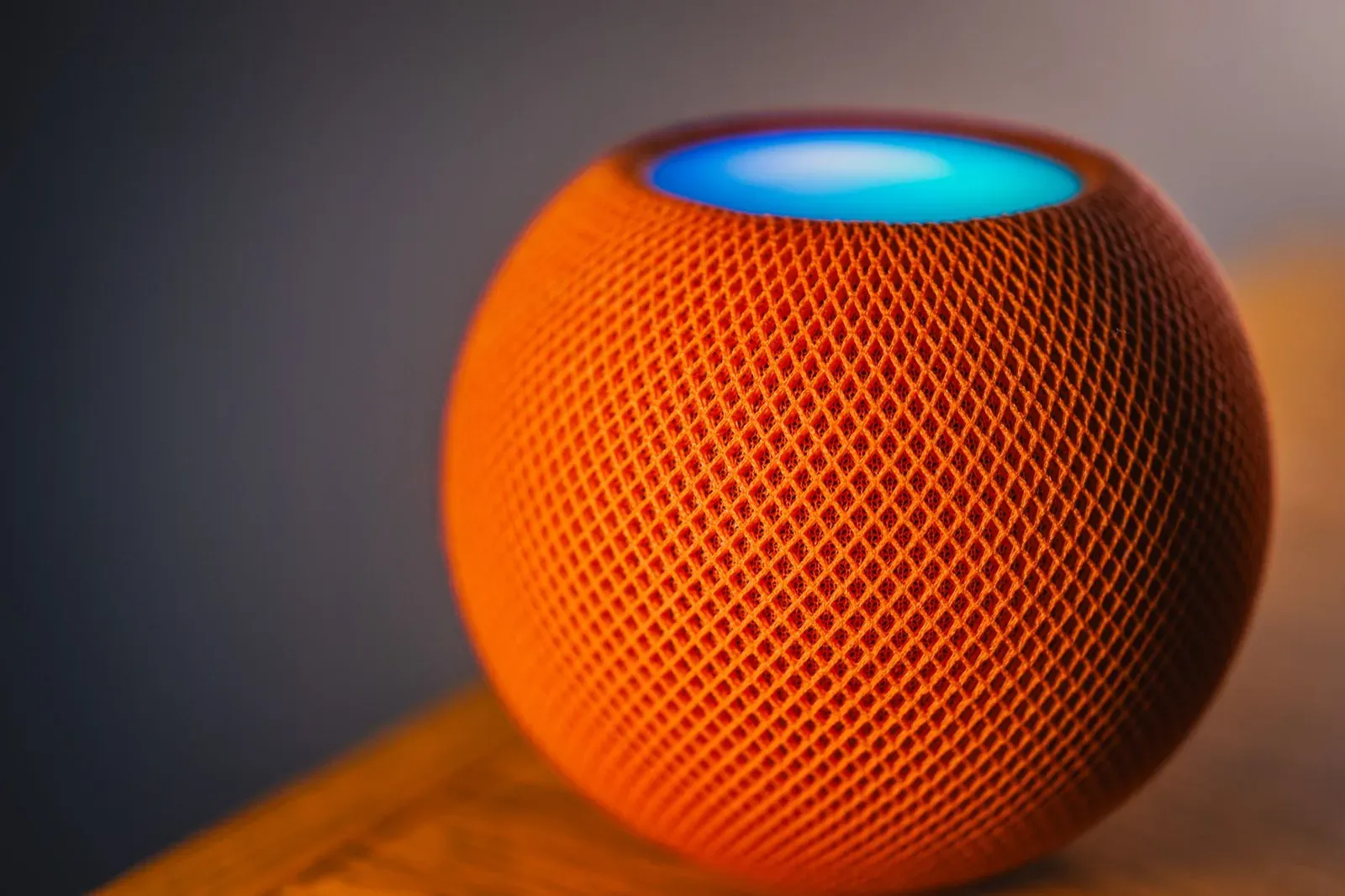
Yes. The HomePod (2nd Gen) includes a built-in Thread border router, along with the Matter support Apple Home relies on. That means the speaker doesn't just play music and answer Siri, it also acts as a network gateway that lets low-power Thread accessories, think smart locks, contact sensors, and certain bulbs, talk to your Apple Home setup and reach the internet. If you own one, you already have one of the key pieces of a modern smart-home network, and you probably didn't have to do anything to turn it on.
What "Thread border router" actually means here
Thread is a low-power, self-healing mesh network built for small battery- and mains-powered devices. It's fast to wake, reliable, and doesn't flood your Wi-Fi with chatter. But a Thread mesh is an island: on its own, it can't reach your phone, your router, or the internet. A border router is the bridge between that Thread island and your regular home IP network (Wi-Fi/Ethernet).
The HomePod (2nd Gen) plays that bridging role. Its Thread radio joins and helps route the mesh, and its network connection carries traffic between Thread accessories and everything else. If you want the deeper background on the role itself, our explainer on what a Thread border router is and whether you need one covers it in full.
Thread is only half the story, Matter is the other half
People often use "Thread" and "Matter" interchangeably, but they solve different problems. Thread is the transport, the radio and mesh that moves the packets. Matter is the application layer, the shared language that lets a device from one brand work in Apple Home, Google Home, or Alexa. Many of the best new accessories are "Matter over Thread," meaning they speak Matter and travel over Thread.
The HomePod (2nd Gen) covers both sides: it's a Thread border router and a Matter controller for Apple Home. That combination is why you can buy a Matter-over-Thread lock, scan its code, and have it join your home without a brand-specific bridge. If the distinction still feels fuzzy, our guide to Matter over Thread vs Matter over Wi-Fi breaks down when each one matters.
How it works when you add a Thread accessory
You rarely interact with any of this directly. When you add a Matter-over-Thread accessory to Apple Home, the process usually looks like this:
- 1Scan the accessory’s Matter QR or pairing code in the Home app
- 2Apple Home commissions it and, if it’s a Thread device, hands it credentials for your existing Thread network
- 3The HomePod (2nd Gen) routes that device’s traffic between the Thread mesh and your Wi-Fi
There's no separate "turn on Thread" toggle to hunt for, the border router runs quietly in the background. If commissioning fails, the usual culprits are a device already paired elsewhere or an unreadable code, not the HomePod. Our walkthroughs on finding or resetting a lost Matter pairing code and factory-resetting and re-pairing a Matter device cover those cases.
HomePod (2nd Gen) vs other Apple Thread border routers
The 2nd-gen HomePod isn't Apple's only device with a Thread radio. If you own more than one, that's a good thing, Apple lets compatible border routers form and share a single Thread network, which adds range and redundancy.
| Apple device | Thread border router? | Network link | Notes |
|---|---|---|---|
| HomePod (2nd Gen) | Yes | Wi-Fi | Also a Matter controller and home hub |
| HomePod mini | Yes | Wi-Fi | Same border-router role in a smaller unit |
| Apple TV 4K (Wi-Fi + Ethernet, later models) | Yes | Wi-Fi or Ethernet | Ethernet option can make it a stable mesh anchor |
| HomePod (1st Gen) | No | Wi-Fi | Predates Thread hardware |
Note the original HomePod (1st Gen) does not have Thread, only the 2nd-gen model and the HomePod mini do. For a broader look at everyday devices that quietly include this radio, see our roundup of Thread border routers you may already own.
What the HomePod's Thread support does and doesn't cover
It's worth being precise about the boundaries:
- It serves the Apple ecosystem. A HomePod's Thread border router works within Apple Home. Alexa and Google Home run their own Thread networks through their own hubs (like certain Echo and Nest devices).
- Thread devices can still be multi-admin. A Matter accessory can be shared to several ecosystems at once, but the sharing happens at the Matter layer, not because of the HomePod itself. See Matter multi-admin and our guide to sharing a Matter device across Alexa, Google, and Apple Home.
- It's Thread only, not Zigbee or Z-Wave. The HomePod won't bridge older Zigbee or Z-Wave gear. If you're weighing standards, Thread vs Zigbee is a useful comparison.
- Built-in Thread border router
- Matter controller for Apple Home
- No Thread radio
- Matter arrived later via software, but still no Thread bridging
Frequently asked questions
Do I need to enable Thread on the HomePod (2nd Gen)?
No. The Thread border router is active out of the box once the HomePod is set up in Apple Home. When you add a Matter-over-Thread accessory, Apple Home hands it the right network credentials automatically, there's no manual switch.
Can the HomePod's Thread network work with Alexa or Google devices?
The HomePod's border router serves Apple Home. Alexa and Google Home maintain their own Thread networks on their own compatible hubs. A single Matter accessory can be shared across all three ecosystems through Matter multi-admin, but each platform routes Thread traffic through its own border routers.
Will Thread accessories keep working if my internet goes down?
Local control generally continues, because Thread and Matter are designed to run on your home network without a round trip to the cloud. Siri phrases and remote access may not. We cover the nuances in do Matter devices need the internet to work.
How do I know my Thread network is healthy?
Apple doesn't surface a detailed Thread dashboard to most users, but you can reason about coverage by device placement and hub count. For a practical approach, see how to check your Thread network health and signal strength.