Does the Amazon Echo Dot Have Thread? No — Use This Instead
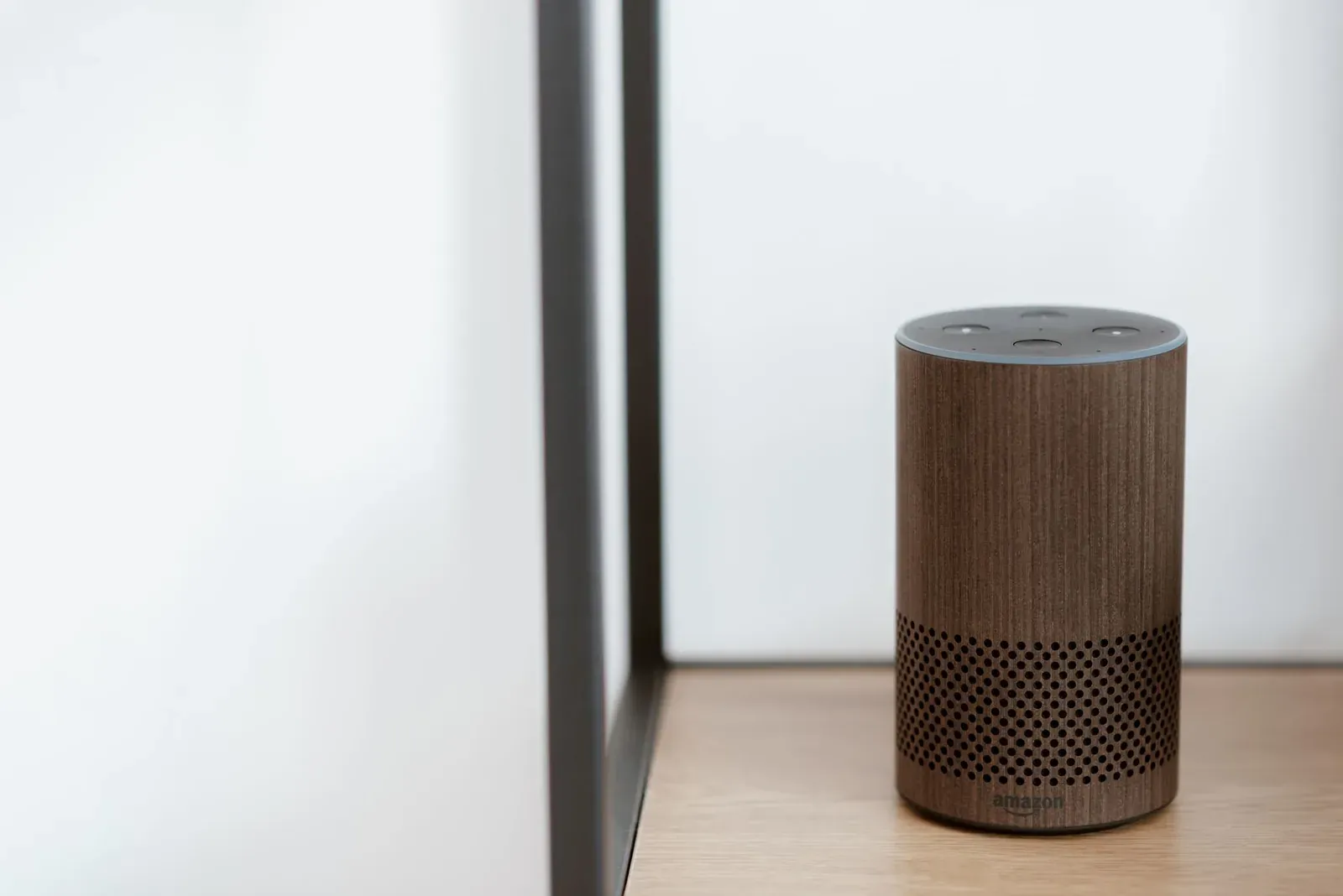
No — the Amazon Echo Dot does not have a Thread radio. Across every generation released to date, including the 4th and 5th gen spherical models and the Echo Dot with Clock, the Dot connects your smart home over Wi-Fi and Bluetooth only, with no built-in Thread border router. That means a Dot on its own cannot join, extend, or route traffic on a Thread mesh network. If you want Thread in your setup, you'll need a different Echo model or a dedicated hub, which we'll walk through below.
What the Echo Dot actually supports
Amazon builds the Echo Dot as a compact, affordable voice speaker. Its radios are tuned for that job: dual-band Wi-Fi to reach Alexa's cloud and your local network, and Bluetooth for audio streaming and initial device setup. Newer Dots also include a temperature sensor and, on some models, a small motion-detection capability, but none of that involves a low-power mesh radio.
Thread runs on the 802.15.4 radio standard — the same physical layer Zigbee uses — which is a different chip from the Wi-Fi/Bluetooth combo in the Dot. Because that hardware simply isn't present, no software update can add Thread to a Dot. This is a hardware limitation, not a setting you can toggle in the Alexa app.
Why this trips people up: Matter vs. Thread
Most of the confusion comes from Matter marketing. Amazon has rolled out Matter support to a broad range of Echo devices, and the Dot is included as a Matter controller. But Matter is an application-layer standard that can run over several networks — Wi-Fi, Ethernet, or Thread. A device that "supports Matter" does not automatically speak Thread.
Thread is the low-power wireless mesh that many battery-powered sensors, locks, and bulbs use. To bring a Matter-over-Thread device onto your network, you need a Thread border router — a device with an 802.15.4 radio that bridges the Thread mesh to your Wi-Fi/Ethernet network. The Dot can act as the Matter controller (the brain that commissions and commands the device), but it can't be the border router that carries Thread traffic. If your only Alexa device is a Dot, a Thread-only accessory has nothing to connect through.
- Application layer — defines how devices describe themselves and talk
- Runs over Wi-Fi, Ethernet, or Thread
- Echo Dot works as a Matter controller over Wi-Fi
- Low-power mesh network at the radio layer
- Needs a border router to reach your main network
- Echo Dot has no Thread radio, so it can’t join or route it
Which Amazon devices do have Thread?
Amazon reserves Thread for a smaller set of hub-class devices. As of this writing, the notable ones are:
- 4th-generation Echo (the full-size sphere) — includes a Thread radio and a Zigbee hub, and acts as a Thread border router. This is the one most people confuse with the Dot because of the similar shape.
- Echo Hub — Amazon's wall-mounted control panel, which includes Thread (and Zigbee) support.
- Certain Echo Show models — some larger Show devices include Thread and Zigbee radios; Amazon lists connectivity per model on each product page, so check the spec sheet for the exact unit before buying.
Notice the pattern: the Dot and other small speakers are voice endpoints, while Thread and Zigbee radios go into Amazon's larger "hub" devices. If you already own a compatible Apple, Google, or Samsung device, you may not need to buy an Echo at all — many popular gadgets double as border routers. We cover the full list in Best Thread Border Routers You May Already Own.
What to use instead — your options
If you want to run Thread devices and you currently only have a Dot, here are the practical paths.
- 1Confirm your accessory is Matter-over-Thread (not Wi-Fi) by checking its packaging or spec page
- 2Add a Thread border router to your network — a full-size 4th-gen Echo, Echo Hub, or a device you already own
- 3Commission the Thread device from the Alexa app, letting the border router carry the mesh traffic
Option 1: Add a Thread-capable Echo
The most Alexa-native route is to add a full-size 4th-gen Echo or an Echo Hub. Either provides the Thread border router your Dot lacks, and both integrate directly with the Alexa app for commissioning. Your existing Dot keeps working as a voice endpoint in the same account — you're adding a border router, not replacing anything.
Option 2: Use a border router you already own
Thread is a shared, multi-vendor network. A Thread border router from Apple, Google, or Samsung can carry the mesh even if you control the device through Alexa. Thanks to Matter multi-admin, a single Thread accessory can be shared across ecosystems. If you have a compatible Apple TV, HomePod mini, Nest Hub, or SmartThings hub, you may already have Thread coverage — and you can share the device across Alexa, Google, and Apple Home.
Option 3: Choose Matter-over-Wi-Fi devices
If you'd rather not add any hardware, buy accessories that use Matter over Wi-Fi instead of Thread. A Dot can commission and control these directly, since they ride your existing Wi-Fi network. The trade-off is that Wi-Fi devices draw more power and don't form a self-healing mesh, so they suit mains-powered gear (plugs, switches) better than battery sensors. Our Matter over Wi-Fi vs Thread breakdown explains the trade-offs in detail.
Frequently asked questions
Can a software update add Thread to my Echo Dot?
No. Thread requires an 802.15.4 radio that the Dot's hardware doesn't include. Firmware can enable or improve features that use existing radios, but it can't create a radio that isn't physically there. Any generation of Dot will remain Wi-Fi and Bluetooth only.
Does the Echo Dot work with Matter at all?
Yes. The Dot functions as a Matter controller for Matter-over-Wi-Fi devices, meaning you can commission and control them from the Alexa app. It just can't reach Matter-over-Thread devices, because those need a border router the Dot doesn't provide. See Matter over Thread vs Matter over Wi-Fi for the full picture.
Which Echo should I buy if I want Thread?
The full-size 4th-generation Echo (the larger sphere) or the Echo Hub both include Thread border router capability. Some larger Echo Show models do too. Confirm the radio list on the product's official spec page before purchasing, since connectivity varies by model and generation.
Can I keep my Dot and still run Thread devices?
Absolutely. Add any Thread border router to your network — a compatible Echo, or a device from Apple, Google, or Samsung you may already own — and your Dot continues to serve as an Alexa voice endpoint. The border router handles the Thread mesh; the Dot handles voice and can still act as a controller for Wi-Fi-based Matter devices.