Do eero Routers Have Thread? 6+, Pro 6/6E & Max 7
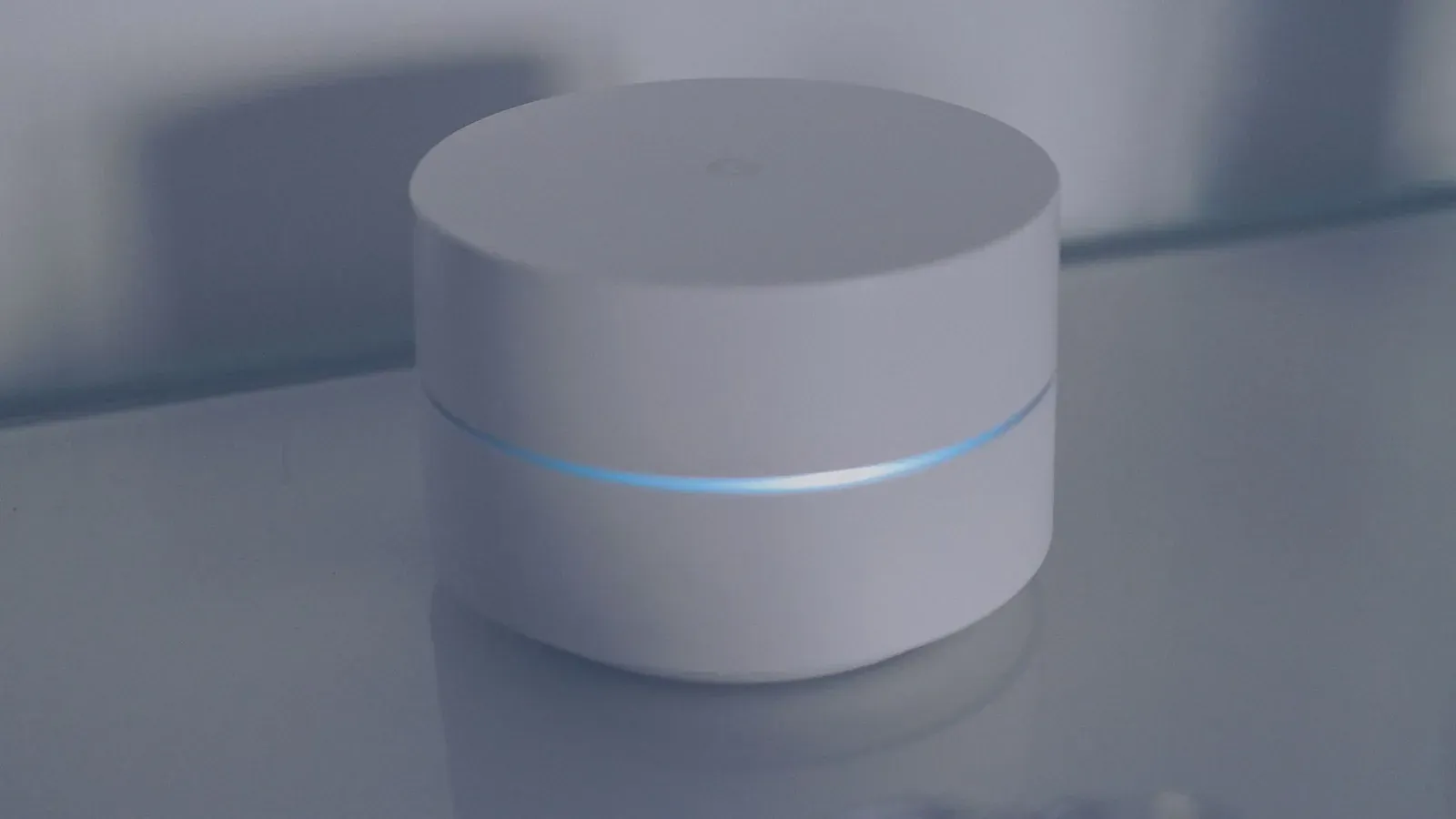
Yes—several current eero routers include a Thread radio and can act as a Thread border router. Specifically, the eero 6+, eero Pro 6, eero Pro 6E, and eero Max 7 (plus the eero PoE 6 and PoE Gateway) ship with Thread hardware and can bridge a low-power Thread mesh onto your home network. Older models—the original eero, eero (Wi-Fi 5) Pro, eero Beacon, and the entry-level eero 6—do not have Thread radios, so they can route Wi-Fi traffic but can't join or extend a Thread network. The important nuance is that on eero, Thread isn't a standalone feature you toggle in the eero app; it's activated and used through a Matter controller, in practice Amazon Alexa.
Which eero models actually have Thread
Thread requires an 802.15.4 radio, the same low-power radio family Zigbee uses. Amazon added that radio to its newer eero hardware and later enabled the Thread border router role through software updates. Because the capability is baked into the silicon, no accessory or dongle can add Thread to an older eero—if the radio isn't in the box, the feature can't be turned on.
| eero model | Thread radio | Border router role |
|---|---|---|
| eero Max 7 | Yes | Yes |
| eero Pro 6E | Yes | Yes |
| eero Pro 6 | Yes | Yes |
| eero 6+ | Yes | Yes |
| eero PoE 6 / PoE Gateway | Yes | Yes |
| eero 6 (entry model) | No | No |
| eero Pro (Wi-Fi 5), Beacon, original eero | No | No |
If you're not sure which eero you own, check the model name on the underside of the unit or on the device page inside the eero app. Anything branded 6+, Pro 6, Pro 6E, or Max 7 has the radio; the plain "eero 6" and everything from the Wi-Fi 5 generation does not.
How Thread on eero actually gets used
This is where eero differs from, say, an Apple TV or a Nest Hub. On eero, the Thread border router doesn't do anything on its own—it becomes useful only when a Matter controller onboards a Thread device and hands it to eero's border router to carry. On the eero platform, that controller is Amazon Alexa. When you add a Matter-over-Thread device in the Alexa app, Alexa looks for an available Thread border router on your network, and an eligible eero can fill that role. The Thread device then joins the mesh formed around your eero, while Alexa remains the brain that controls it.
That means the practical setup path runs through Alexa, not through eero's own interface. There's no "Thread" screen in the eero app to configure networks, credentials, or devices. If you don't use Alexa as a smart-home hub, your eero's Thread radio simply sits idle—it won't automatically serve Matter devices you paired through Google Home or Apple Home, because those ecosystems use their own border routers. To understand why the same Matter gadget can live in several ecosystems at once, see our explainer on Matter multi-admin and how to share a Matter device across Alexa, Google, and Apple Home.
- 1Confirm your eero is a 6+, Pro 6, Pro 6E, or Max 7 and fully updated
- 2Set up Alexa as a Matter hub in the Alexa app
- 3Add a Matter-over-Thread device in the Alexa app—it will attach to your eero’s Thread border router
- 4Confirm the device is reachable and, if you want, share it to another ecosystem via Matter multi-admin
Why a router-based border router is handy
Putting the Thread border router inside the router that's already central to your network has real advantages. Your eero is powered around the clock, usually well-placed, and—if you run a mesh—there are several eero units spread through the home, each potentially strengthening Thread coverage. A Thread mesh benefits from having always-on routing nodes near your battery devices, and mains-powered eeros make good anchors. This is the same logic behind our roundup of the best Thread border routers you may already own.
Thread 1.3 and later also allow multiple border routers to cooperate on a single Thread network. So an eero and an Echo (4th gen) or an Apple device can, in supported configurations, participate in the same Thread fabric rather than fracturing your low-power devices into isolated islands. If you want to gauge how well that mesh is actually performing, our guide to checking Thread network health and signal strength walks through what to look for.
- Low-power, ideal for battery sensors and locks
- Needs a Thread border router like a capable eero
- Uses your existing Wi-Fi, no border router required
- Higher power draw, better for always-plugged devices
For a fuller breakdown of when each transport makes sense, see Matter over Thread vs Matter over Wi-Fi. And if the border router concept itself is still fuzzy, start with what a Thread border router is and whether you need one.
Limits worth knowing before you rely on it
Because eero's Thread is coupled to Alexa, your experience depends on Alexa's Matter and Thread support, which has changed over time. Devices onboarded through Alexa are managed there; you can't manage the Thread network directly from eero. Provisioning and credential handling stay behind the scenes, which is convenient but gives you fewer diagnostic knobs than a platform that surfaces its Thread network details. If a device won't join, the usual remedies are ecosystem-side: confirm the device is in pairing mode, verify the eero and Alexa apps are current, and if needed factory reset and re-pair the Matter device.
Frequently asked questions
Does the eero app let me set up Thread directly?
No. There's no dedicated Thread configuration in the eero app. Thread devices are added through a Matter controller—on eero, that's the Alexa app—which then uses your eero as a border router behind the scenes.
Will my eero's Thread work with Google Home or Apple Home?
Not directly. Google Home and Apple Home use their own Thread border routers (like Nest and HomePod/Apple TV hardware). Your eero's border router is reached through Alexa. You can still share a device across ecosystems afterward using Matter multi-admin.
Do I still need a separate Thread hub if I have a supported eero?
Often not—if you use Alexa as your smart-home hub, a supported eero can serve as the Thread border router. If you rely on Google or Apple, you'll want a border router native to that ecosystem instead.
Is Thread the same as Zigbee on my eero?
They share the underlying 802.15.4 radio band but are different protocols. Thread carries Matter devices; Zigbee is a separate standard. For the distinctions, see Thread vs Zigbee.